For Android · Free

Two lives.
One private to-do app.

Keep your personal and professional tasks apart, get reminders on every phone, share tasks with the people you trust, and lock it all behind your fingerprint or face.

Android 7.0 or newer

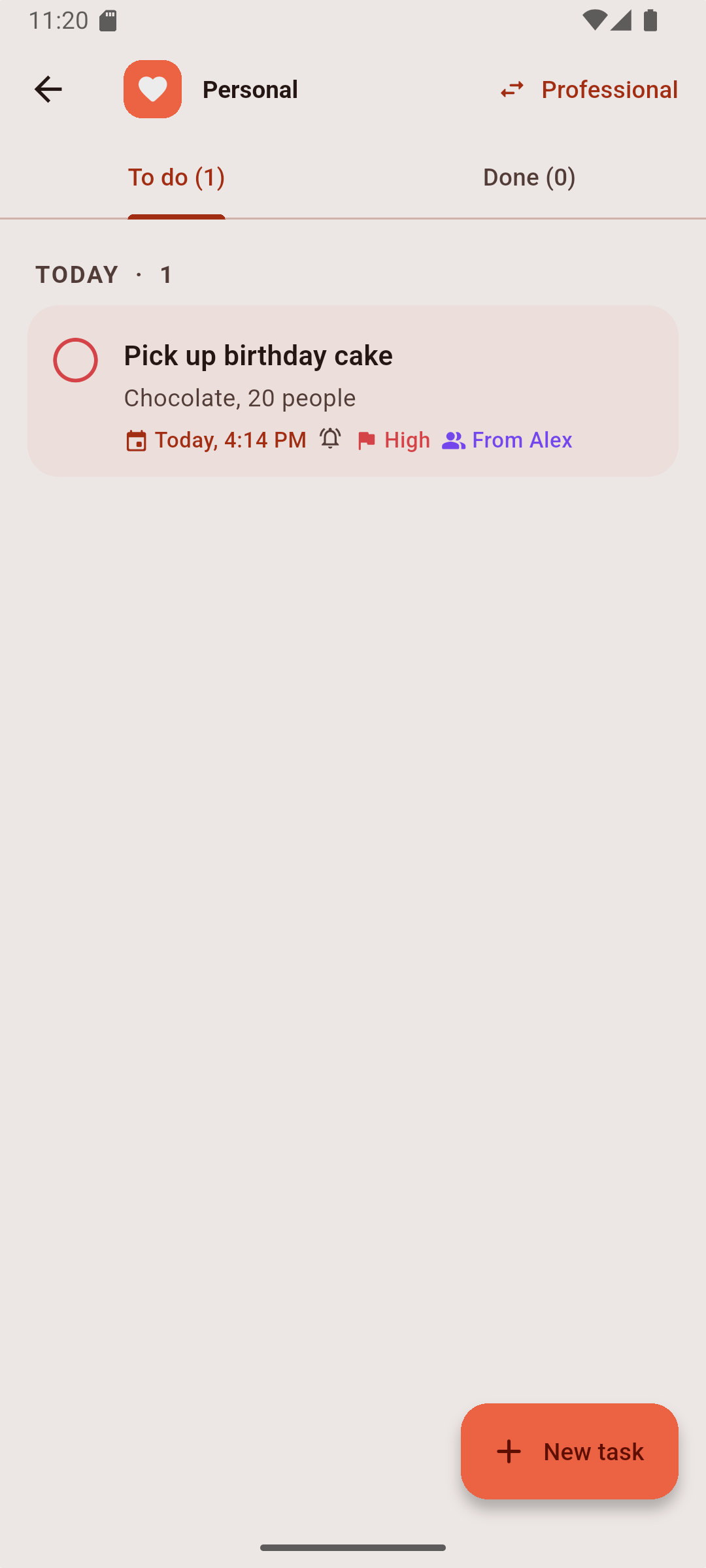
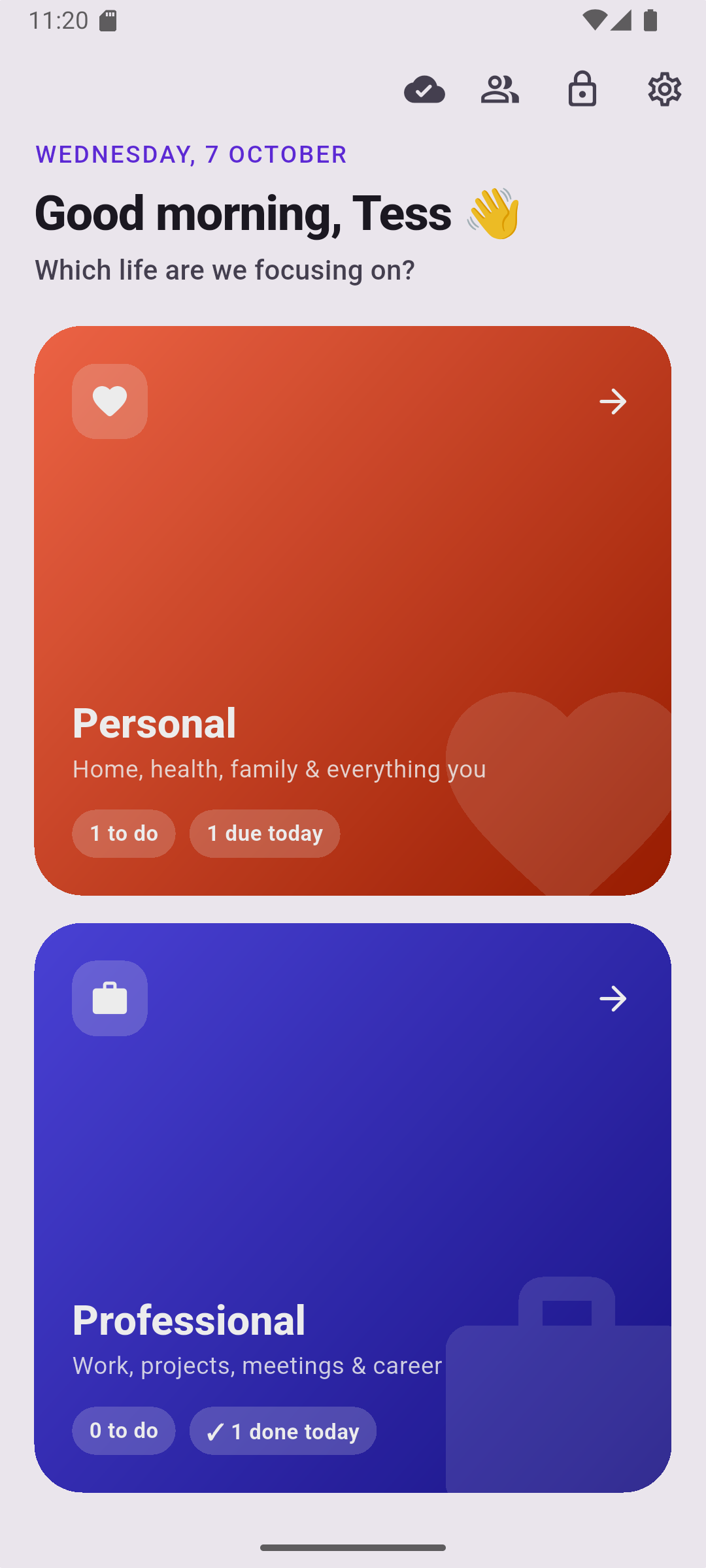
Personal

Home, health, family and everything you. Birthdays, bills and the cake you promised to pick up.

3 to do1 due today

Professional

Work, projects, meetings and career. Kept separate, so a Saturday doesn't fill up with Monday.

5 to do✓ 2 done today

Everything a to-do app should be. Nothing it shouldn't.

Every time you open it, TwoLives asks which life you're focusing on, then gets out of your way.

Locked tight

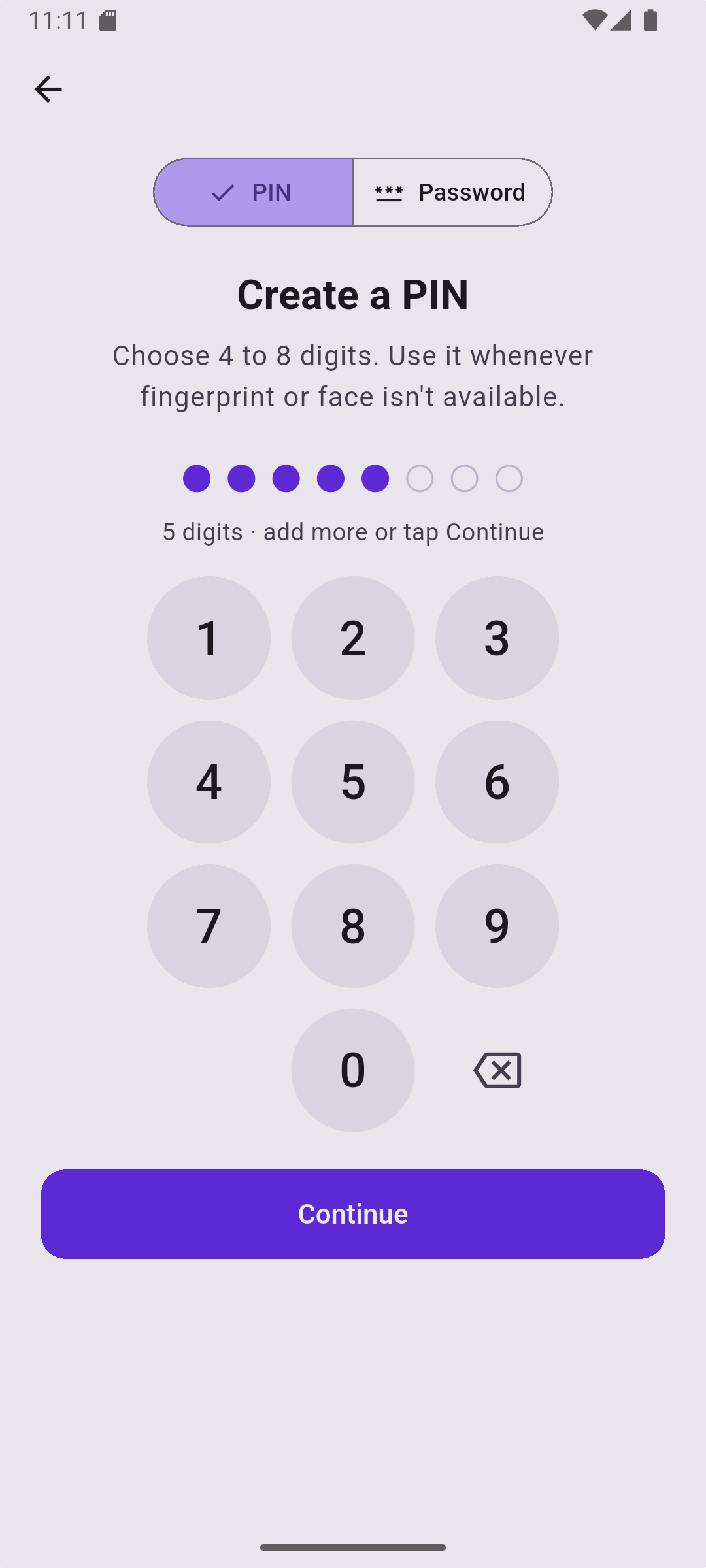
Unlock with your fingerprint or face, or a 4–8 digit PIN or password. It re-locks itself when you step away.

Synced everywhere

Sign in with Google or email and your tasks follow you to every phone. They work offline too.

Share with people

Connect by scanning a QR code, then share a task. Either of you can tick it off, and you'll both know.

Never miss a due date

Get an alert at the due time or up to a day before, on every phone you're signed in on, even after a restart.

See what you got done

Finished tasks move to Done, grouped by day. Swipe to complete or delete, and undo if you change your mind.

Updates built in

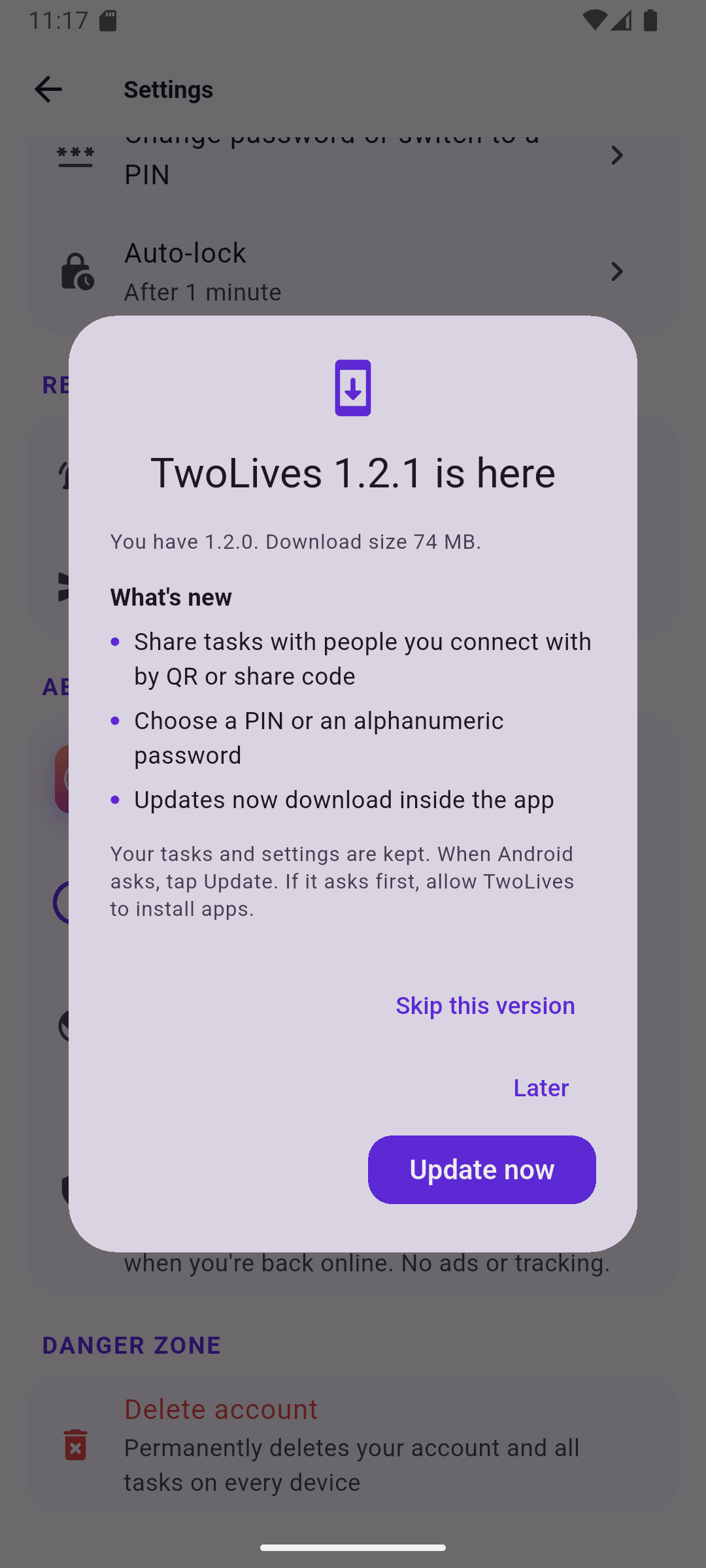
TwoLives tells you when a new version is out, shows what changed, and installs it in a tap. Your tasks stay put.
Share a task in three steps

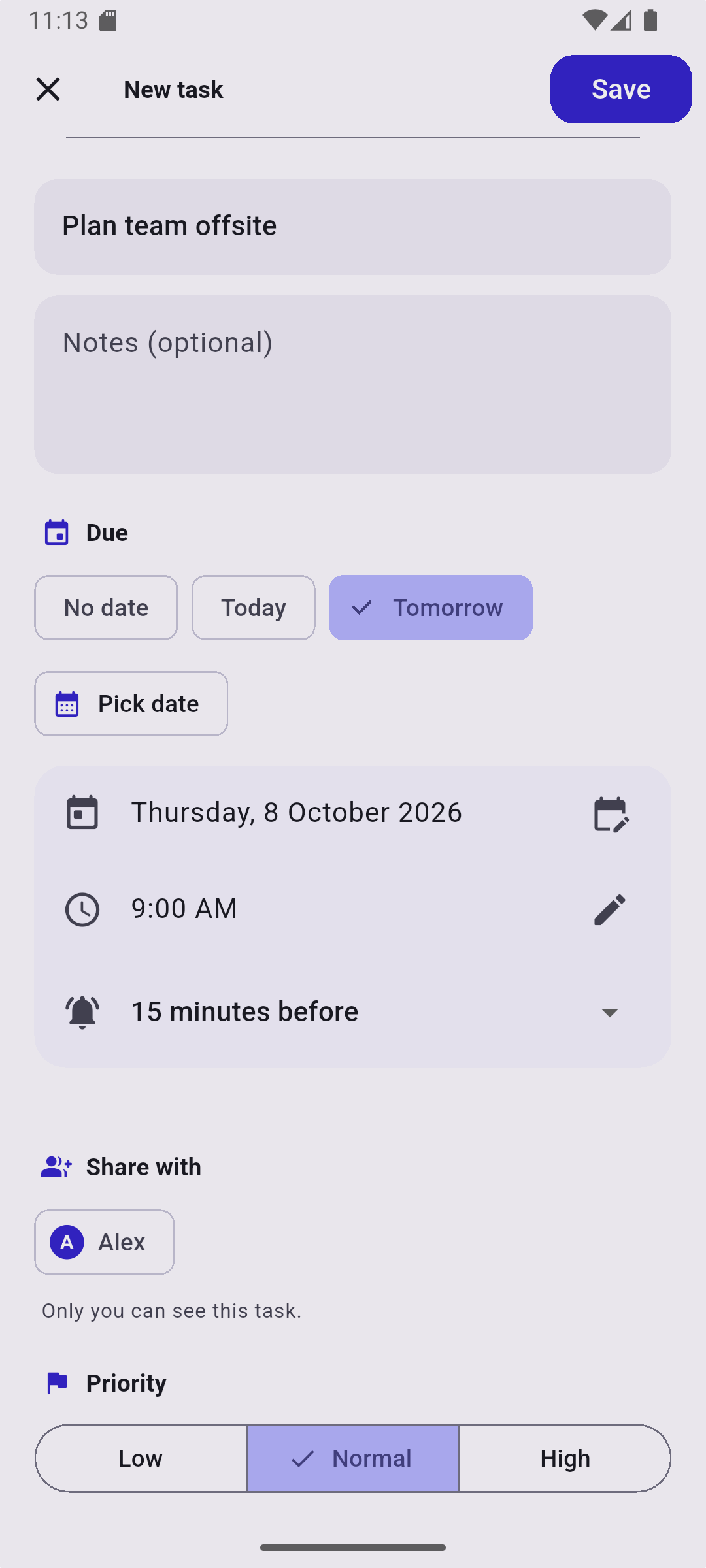
Plan the offsite with a colleague, or split the shopping with your partner. Only people you've connected with can share with you.

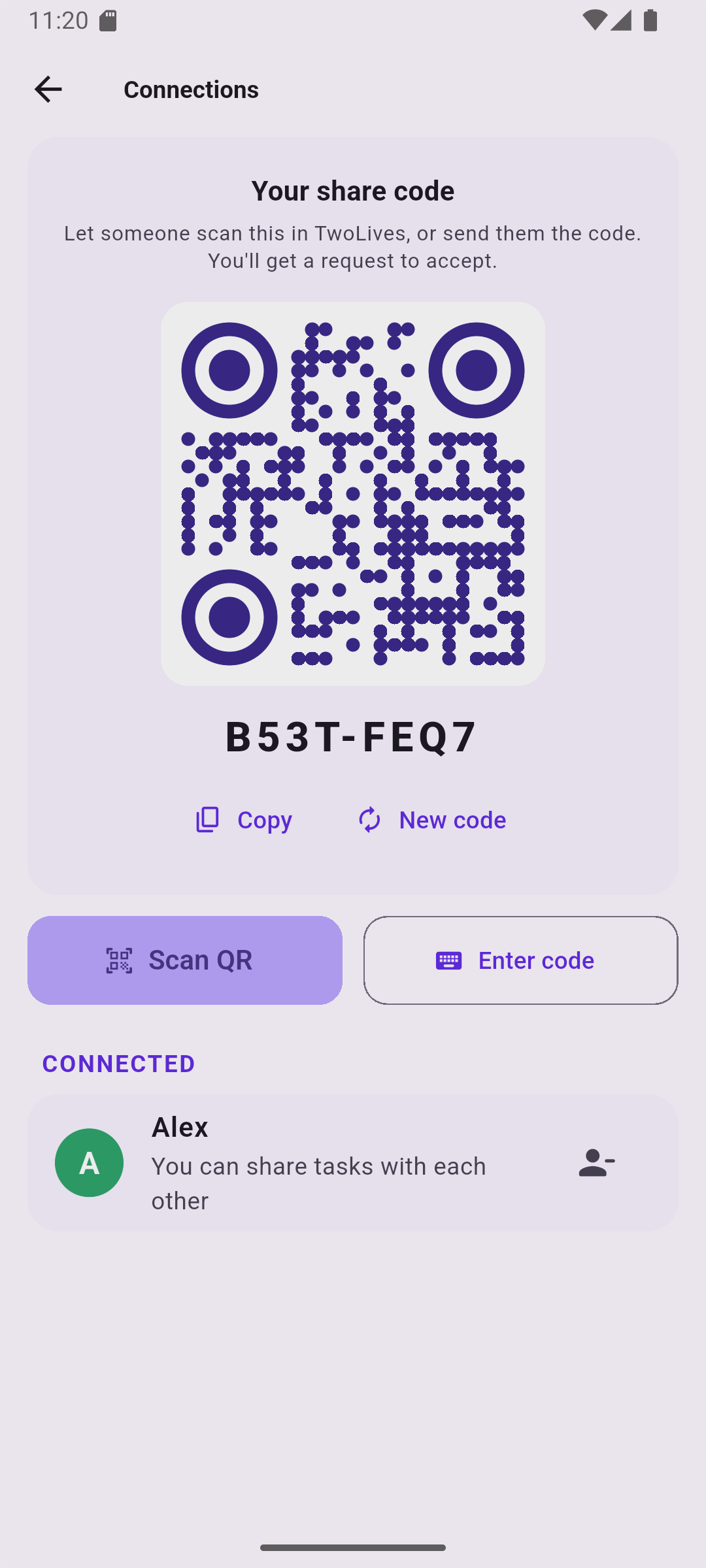
Show your code

Open Connections to see your personal QR code and share code.

They scan it

The other person scans your QR in TwoLives (or types the code), and you accept their request.

Share any task

Pick them under "Share with". The task shows up on their phone, with its reminder.

Take a look

Get TwoLives

The latest version for Android 7.0 and newer.

Download the APK
1. DownloadOpen this page on your Android phone and tap Download.
2. InstallOpen the file. If Android asks, allow your browser to install apps.
3. Sign inSign in with Google or email, then set your PIN or password.

Every version is signed with the same TwoLives key, so updates install over the top and keep your data.
Certificate SHA-256: 7A:AB:31:AF:28:C7:66:5B:A4:4E:C8:2C:B5:7B:90:59:8A:2A:6F:EA:7D:8F:AB:12:01:5A:BF:FD:C2:44:28:86

Questions

Is TwoLives free?

Yes. There are no ads, subscriptions or in-app purchases.

Why isn't it on the Google Play Store?

Not yet. For now you install it from this page. Android will warn that it comes from outside the Play Store. That's normal for any app installed this way.

Who can see my tasks?

Only you, plus the people you choose to share a specific task with. Tasks are stored in your own account on Google Firebase (Sydney region), protected by security rules that only let you and those people read them. There's no tracking.

What if I forget my PIN or password?

Your tasks are safe in your account. Sign out from the unlock screen, sign back in with Google or email, and set a new PIN or password.

How do updates work?

TwoLives checks for new versions and shows you what's changed. Tap "Update now" and it downloads and opens the installer. You can also check any time in Settings → Check for updates.

Does it work on iPhone?

Not yet. TwoLives is Android-only for now.